The Complete Guide to WebP Image Format: Benefits and Implementation
Learn everything you need to know about the WebP image format, including its advantages over JPEG and PNG and how to serve it on your website for better performance.
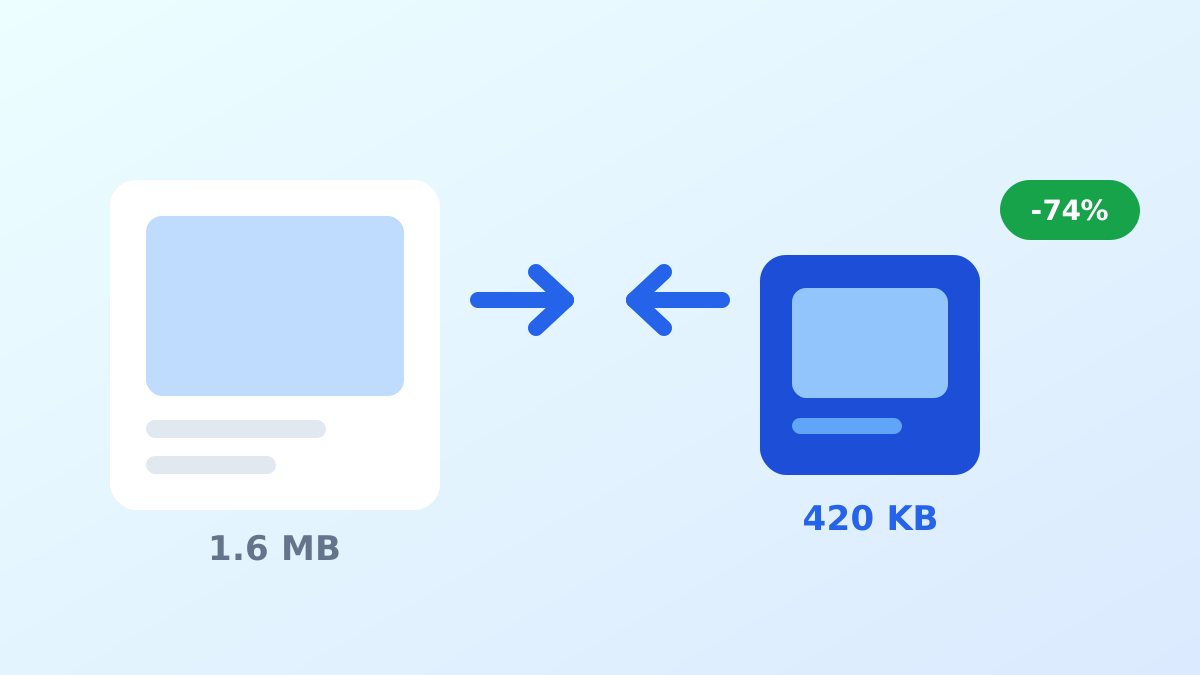
Read more →Optimize your website images with our free online tool. Reduce file sizes by up to 80% without losing quality.
Upload up to 5 images (max 5MB each) and convert them to WebP format instantly. Fast, secure and completely free.
Drag & drop images here or click to select
Select up to 5 images to convert to WebP format
WebP is a modern image format that provides superior lossless and lossy compression for images on the web.
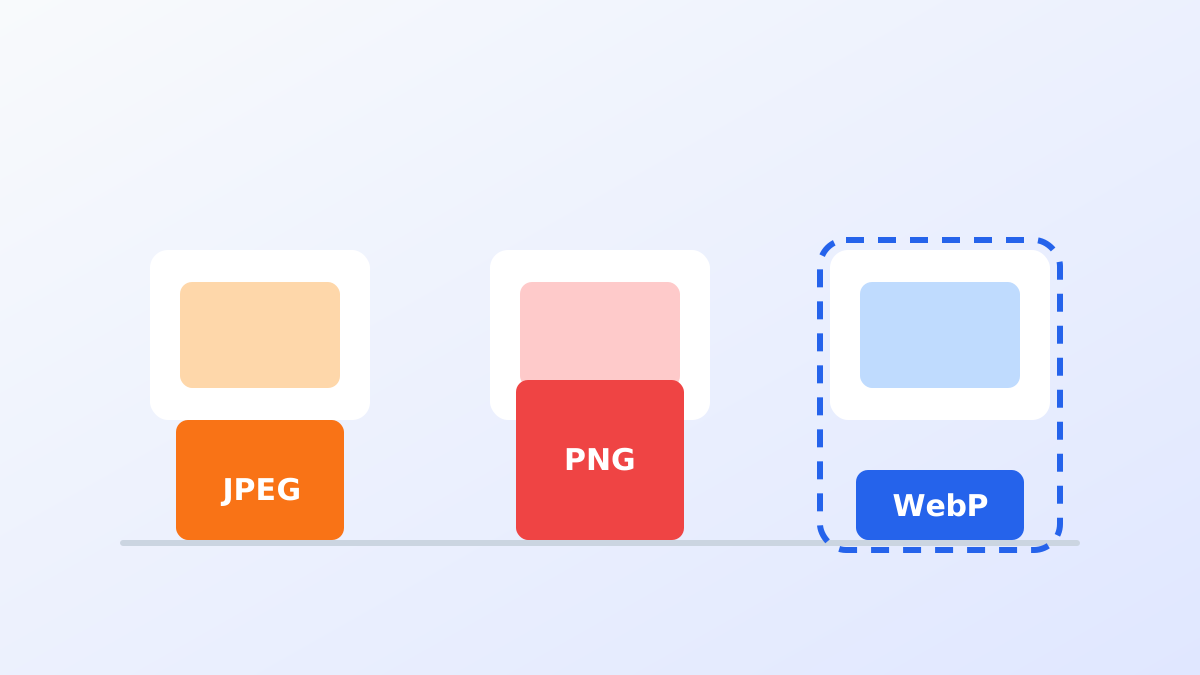
WebP images are typically 25-35% smaller than comparable JPEG images and 25-34% smaller than PNG images at the same visual quality.
Smaller images mean faster page loads, which improves user experience and gives your pages a better shot at ranking well.
Supported by all modern browsers including Chrome, Firefox, Edge and Safari (since iOS 14 and macOS Big Sur).
Find answers to common questions about our image conversion tool.
WebP is a modern image format developed by Google that provides superior lossless and lossy compression for images on the web. Using WebP, webmasters and web developers can create smaller, richer images that make the web faster.
You can convert up to 5 images per batch and each image must be under 5MB. There is no daily limit, so you can convert as many batches as you need.
Uploaded and converted files are deleted automatically. Images are never stored long term or used for any purpose other than the conversion you requested.
WebP is supported by all modern browsers including Chrome, Firefox, Edge, Safari (since iOS 14 and macOS Big Sur) and Opera. For very old browsers, keep a JPEG or PNG fallback in a <picture> element.
Yes. The converter is completely free, requires no account and adds no watermark. Upload your images, pick a quality level and download the WebP files instantly.
Yes. The converter runs in your browser on desktop, tablet and mobile, so you can drag and drop images or pick them from your camera roll on any device.
Tips, guides and best practices for image optimization and web performance.
Learn everything you need to know about the WebP image format, including its advantages over JPEG and PNG and how to serve it on your website for better performance.
Read more →Practical techniques to reduce image file sizes while keeping quality, so your pages load faster and rank better.
Read more →A practical comparison of the three image formats you will use most on the web, with guidance on when each one is the right call.
Read more →Have questions or feedback about the converter? We would love to hear from you.
We usually reply within 1 business day.
Images are processed for conversion only and never shared.