10 Essential Image Optimization Tips for Web Developers
Practical techniques to reduce image file sizes while keeping quality, so your pages load faster and rank better.
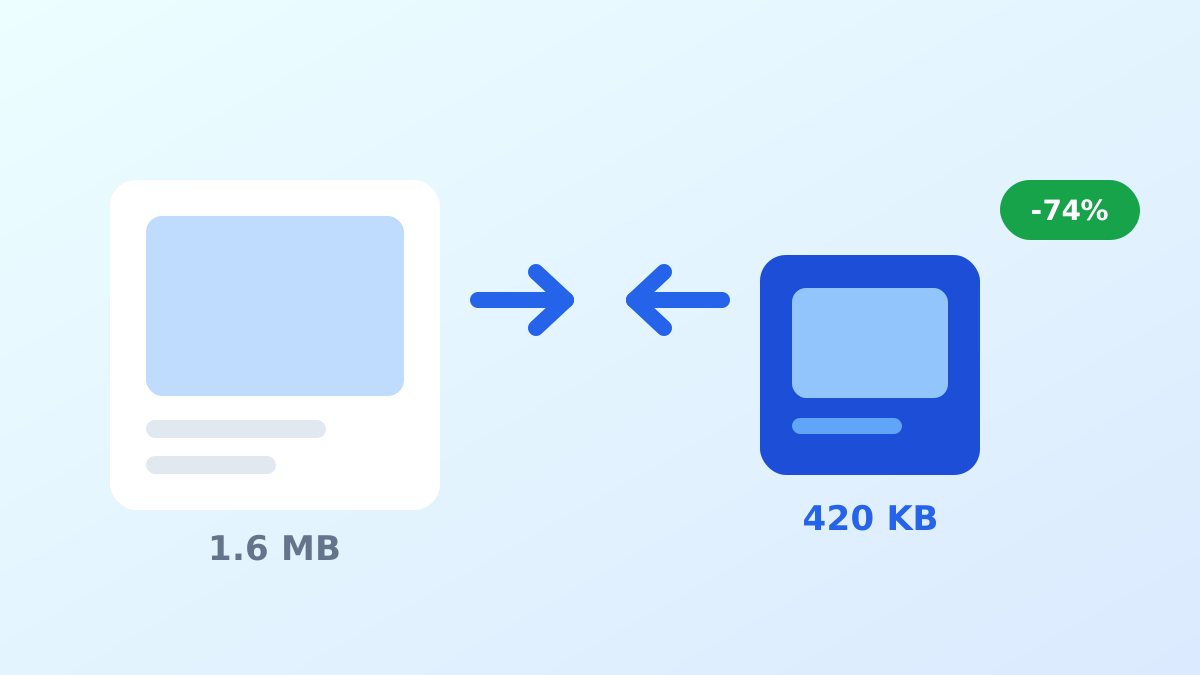
Images are usually the largest part of a page’s weight. According to HTTP Archive, images account for roughly half of the bytes of a typical web page, which makes them the single best place to look for performance wins.
1. Start with the right format
Use WebP for photographs and UI graphics, SVG for logos and icons, and reserve PNG for cases where you need lossless output that WebP cannot match. Choosing the format first avoids re-encoding later.
2. Compress, then compress again
Most source images exported from design tools are far heavier than they need to be. Run them through a converter at a quality setting between 75 and 85 and compare: on most photos the difference is invisible while the file drops by a third or more.
3. Resize before you upload
Serving a 4000 pixel wide photo into a 400 pixel slot wastes bandwidth and delays rendering. Export at the largest size you actually display, then use srcset for the smaller breakpoints.
4. Use srcset and sizes
<img
  src="hero-800.webp"
  srcset="hero-400.webp 400w, hero-800.webp 800w, hero-1600.webp 1600w"
  sizes="(max-width: 720px) 100vw, 800px"
  alt="Dashboard preview"
  width="800"
  height="500"
/>
The browser then downloads the smallest file that still looks sharp on the current screen.
5. Always set width and height
Missing dimensions cause layout shifts while images load, which shows up directly in your Cumulative Layout Shift score. With modern CSS you can pair width/height attributes with height: auto and keep the aspect ratio intact.
6. Lazy load below the fold
loading="lazy" defers off-screen images until the user scrolls near them. Do not apply it to the hero image, since that delays your Largest Contentful Paint.
7. Use a CDN for delivery
A CDN serves images from a point of presence close to the visitor and handles format negotiation, so you do not have to maintain multiple exports by hand.
8. Set long cache lifetimes
Image filenames rarely change. Give them a far-future Cache-Control header, or rely on hashed filenames, so returning visitors download nothing at all.
9. Strip metadata
Camera EXIF data can add tens of kilobytes per file and privacy-sensitive GPS coordinates. Most converters, including IMG2WEBP, drop it during conversion.
10. Measure the result
Run your pages through Lighthouse or WebPageTest before and after, and watch the transferred bytes per image. Optimizing without measuring tends to produce work that does not move the metrics that matter.
Putting it together
None of these steps is complicated on its own. The habit that pays off is treating every image as a build artefact: pick the format, resize it, compress it, set its dimensions explicitly and let the browser download only what it needs.