WebP vs JPEG vs PNG: Which Format Should You Choose?
A practical comparison of the three image formats you will use most on the web, with guidance on when each one is the right call.
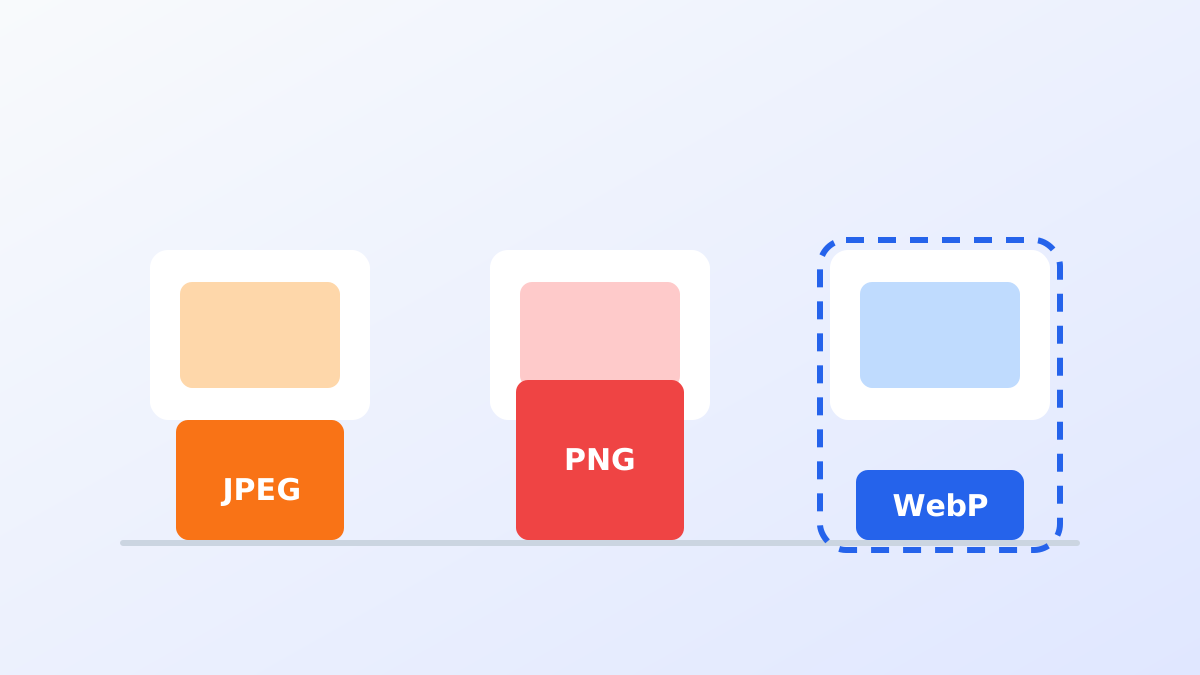
Every image you put on a page is a trade-off between quality, file size and features. The three formats you will use most often behave quite differently.
The short version
| Format | Best for | Transparency | Animation | Typical size |
|---|---|---|---|---|
| WebP | Most web images | Yes | Yes | Smallest |
| JPEG | Legacy fallbacks, very wide compatibility | No | No | Large |
| PNG | Lossless output, sharp UI edges | Yes | No | Largest |
JPEG: the reliable default
JPEG has been the default photographic format for decades. Its lossy compression handles gradients and natural textures well, and every browser and image editor supports it.
Its weaknesses are structural rather than cosmetic: no transparency, no animation, and compression efficiency that newer formats have since surpassed.
Choose JPEG when you need a fallback for browsers that do not understand WebP, or when a downstream tool in your pipeline cannot handle anything else.
PNG: lossless, precise, heavy
PNG is lossless, so the output is pixel-for-pixel identical to the source. It supports full alpha transparency, which makes it the format of choice for logos, icons and screenshots with crisp text.
The cost is size. A photographic PNG is usually several times heavier than an equivalent JPEG, and even a simple screenshot can be surprisingly large.
Choose PNG when you need guaranteed lossless output or are working with images that need a browser-compatible fallback with transparency.
WebP: the modern default
WebP was designed for the web and covers both worlds:
- Lossy WebP is typically 25-35% smaller than JPEG at comparable quality.
- Lossless WebP is around 26% smaller than PNG.
- It supports transparency and animation in the same file format.
Support is no longer a concern in practice: Chrome, Firefox, Edge, Safari (iOS 14+, macOS Big Sur+) and Opera all render WebP.
Choose WebP when the image is going on a website and you control the markup. That covers the vast majority of cases.
A migration pattern that never breaks
Serve WebP first and keep the original as a fallback:
<picture>
  <source srcset="chart.webp" type="image/webp" />
  <img src="chart.png" alt="Monthly traffic chart" width="800" height="500" />
</picture>
Browsers that support WebP pick the first source, everything else falls back to the PNG. Nothing breaks, and modern visitors get the smaller file.
What about quality settings?
For photographs, lossy WebP at quality 80 is a good starting point: the difference from the original is imperceptible at normal viewing sizes and the savings are substantial. For screenshots and flat graphics, either raise the quality or use lossless mode, since compression artefacts are far more visible on sharp edges and text.
Conclusion
Use WebP by default, keep JPEG or PNG as a fallback, and pick the format that matches the job instead of exporting everything the same way. Converting an existing image library is quick with a tool like IMG2WEBP and the savings apply to every future page view.